FLUX.1 Pro AI Image Generator
Try FLUX.1-Pro, the best AI image generation model online. FLUX.1-Pro delivers unmatched quality, detail, and output diversity. Elevate your creative projects!
Generated Image
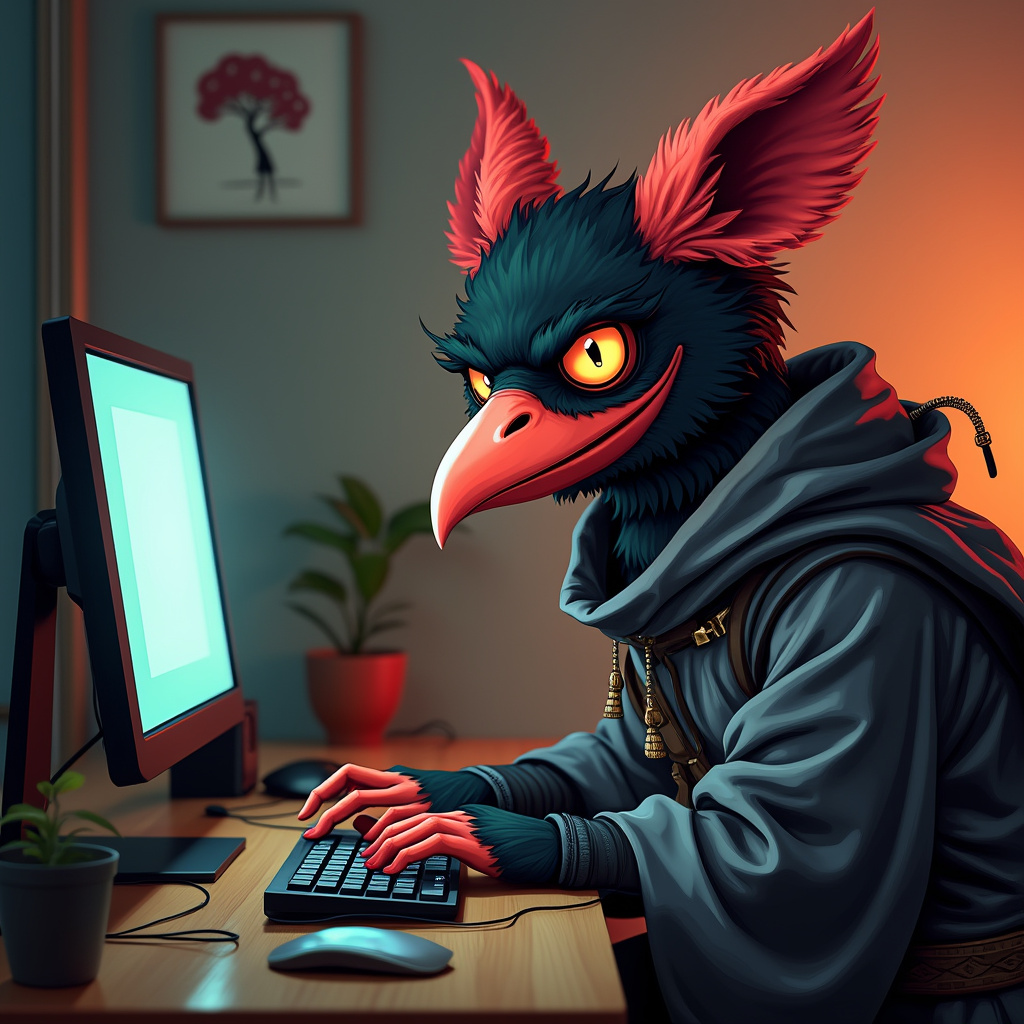
A tengu like the emoji 👺 with hacker vibes at a computer wearing a rumpled hakana, funny looking
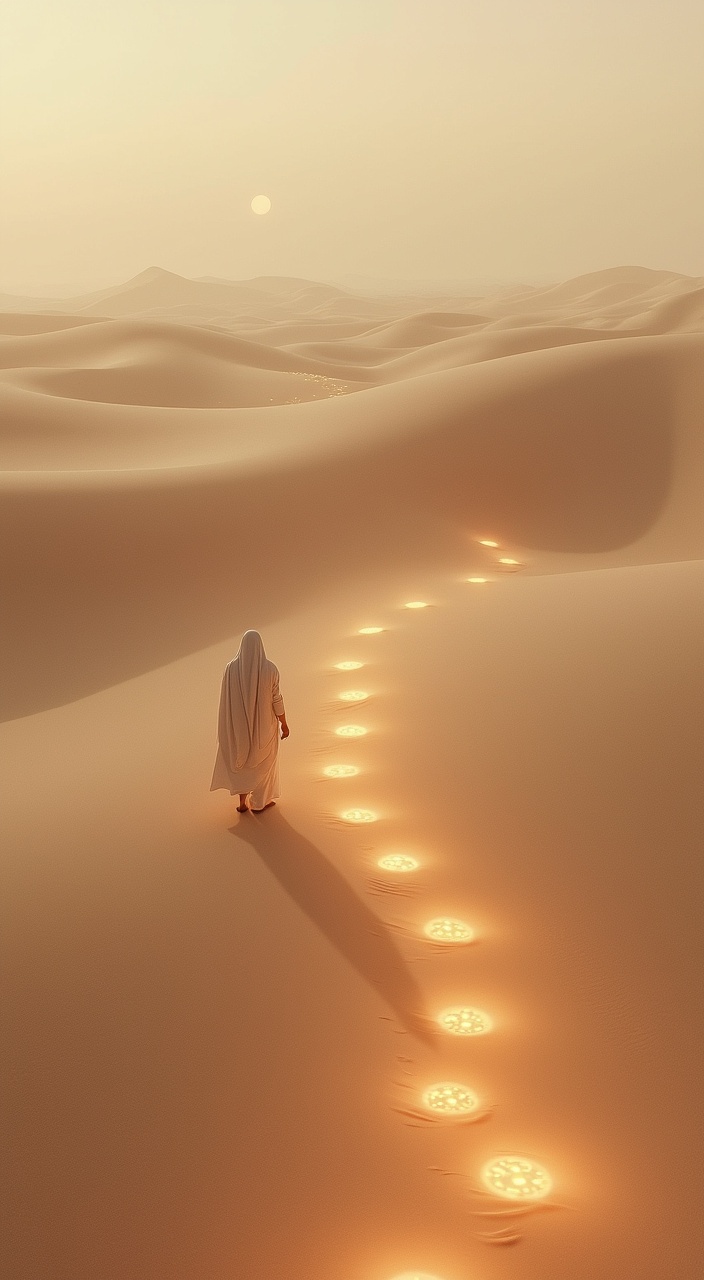
A minimalist desert landscape with soft dunes stretching into the horizon. The scene features a lone figure dressed in traditional attire, positioned at the bottom of the frame, viewed from above, creating a sense of scale and solitude. The dunes are predominantly #BFB3A4 (beige soft), covering 60% of the composition, with shadows and textures in #595047 (earthy gray), making up 30% of the image. The figure has left a trail of glowing footsteps behind, each step emitting a faint, warm glow in #D93D04 (vivid orange), creating a subtle and mystical accent (10%). The lighting is warm and diffused, enhancing the serene and introspective atmosphere of the scene.
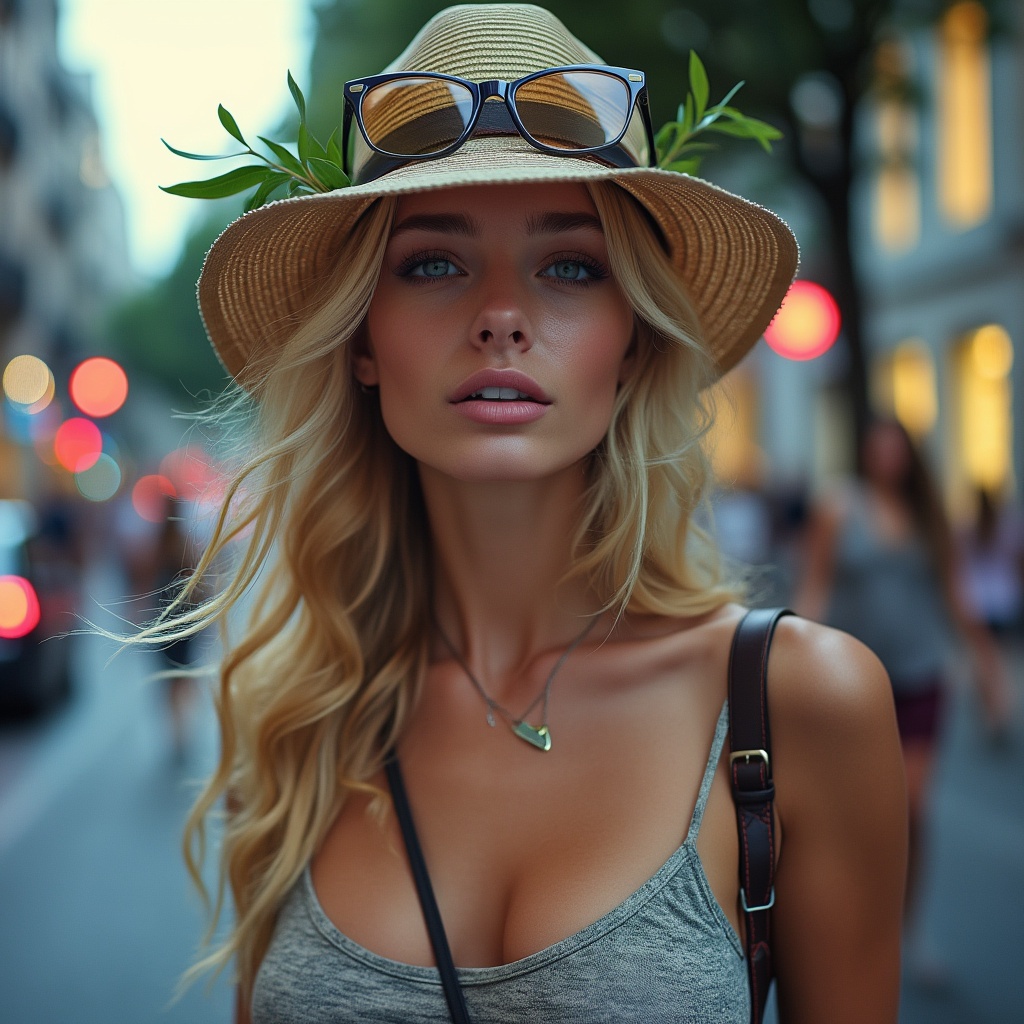
Imagine uma mulher na avenida paulista
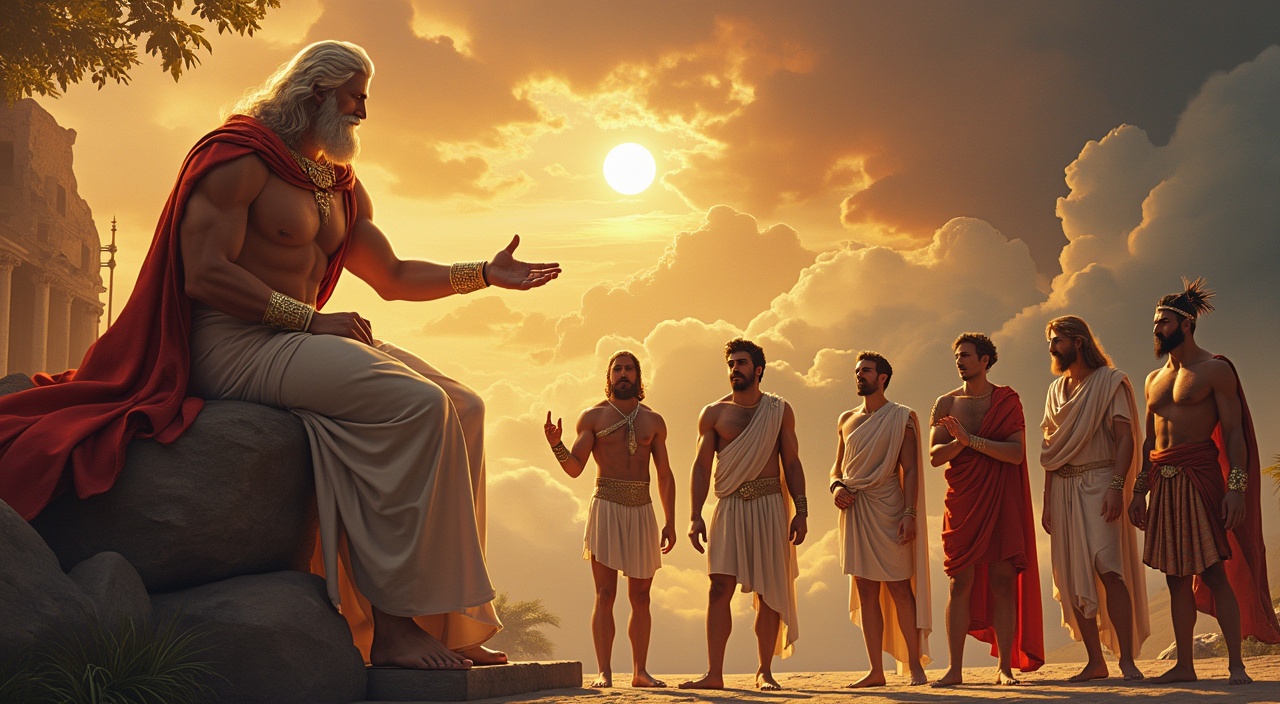
Zeus (Dios del Trueno y Rey del Olimpo) conversando en el Olimpo con el resto de dioses
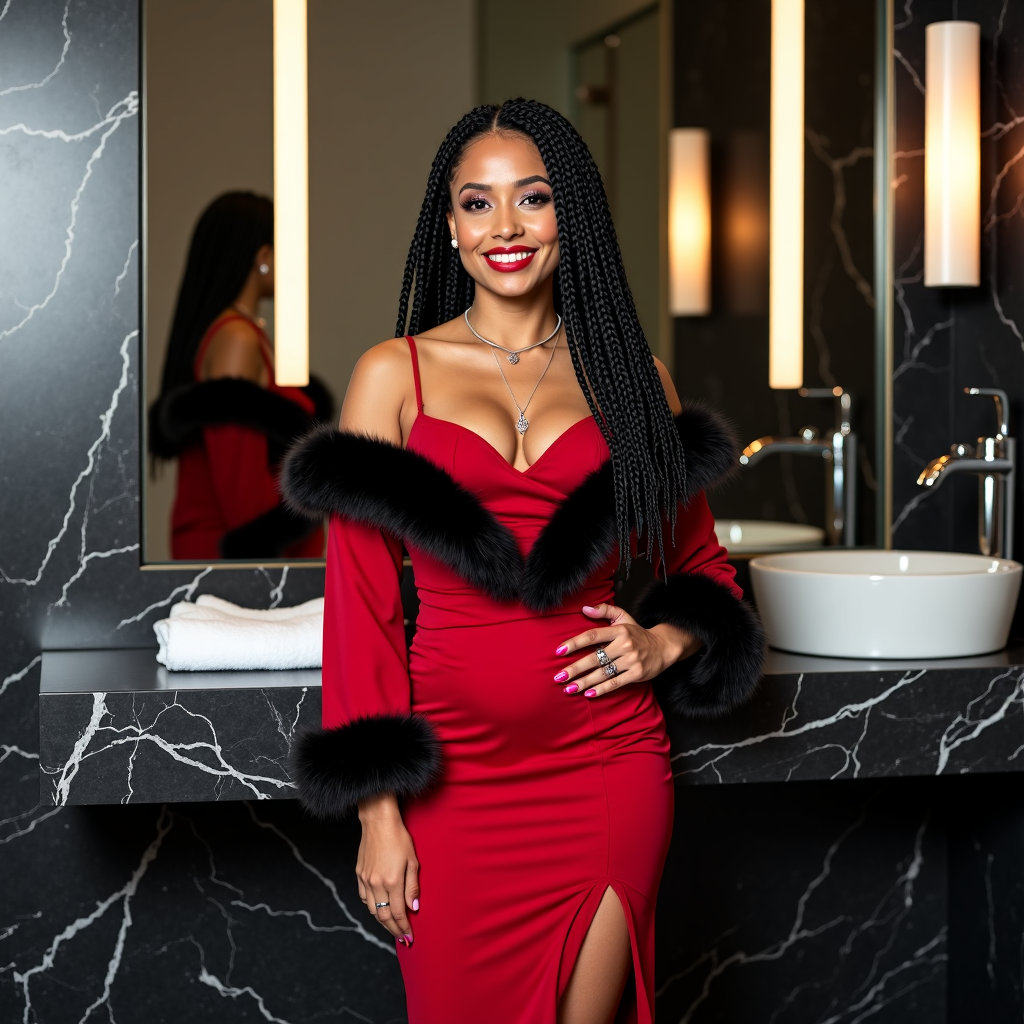
Full-Body vertical 9:16 of the main subject (the woman): The protagonist is a woman with light and luminous skin. It has a happy and welcoming expression, fleshy lips with a large smile that shows white and perfect teeth. His eyes are large, dark brown in color and very expressive, framed by cured eyebrows. The hair is black and curled up with braids belonging to the head (Cornrows) that flows into longer braids. It is forming, toned and athletic, the décolleté widely forming and large. In summary: The image portrays a woman posing in a luxurious and modern bathroom. The woman is the central figure and wears an elegant red dress, long and adherent. Clothing details: Dress: the dress is long-sleeved with the shoulders uncovered (off-the-show). It has a deep heart neckline, embellished with a thick bordering of black fur, which is also repeated on the cuffs. A deep side slit on the skirt lets you glimpse the leg. Accessories: the woman wears a thin necklace with a pendant and a ring on the right hand. Next to her, on the bathroom shelf, a white bag is placed. Characteristics of the person and laying: The woman has long black hair with a cured makeup and looks directly towards the goal with a safe expression. It is standing, with one hand resting on the side and the other on the marble shelf. His reflection is visible in the mirror behind him. Environment: The scene is set in a modern -looking bathroom or toilet, characterized by a large black marble shelf with gray veins, a built -in sink and chromed taps. The lighting is provided by vertical wall lamps, which create a warm and soft atmosphere. At the bottom left there are folded white towels. Technical details: 85mm lens, f/2.8 (Nikon D7500) for a slight blur in the background. High resolution (8k, Uhd-Hdr). Cinematic Lighting or editorial light. ("Editorial Vogue fashion style"), "photojournalist". "Ultra-realistic". "Ultra-Dept". Environmental lighting.
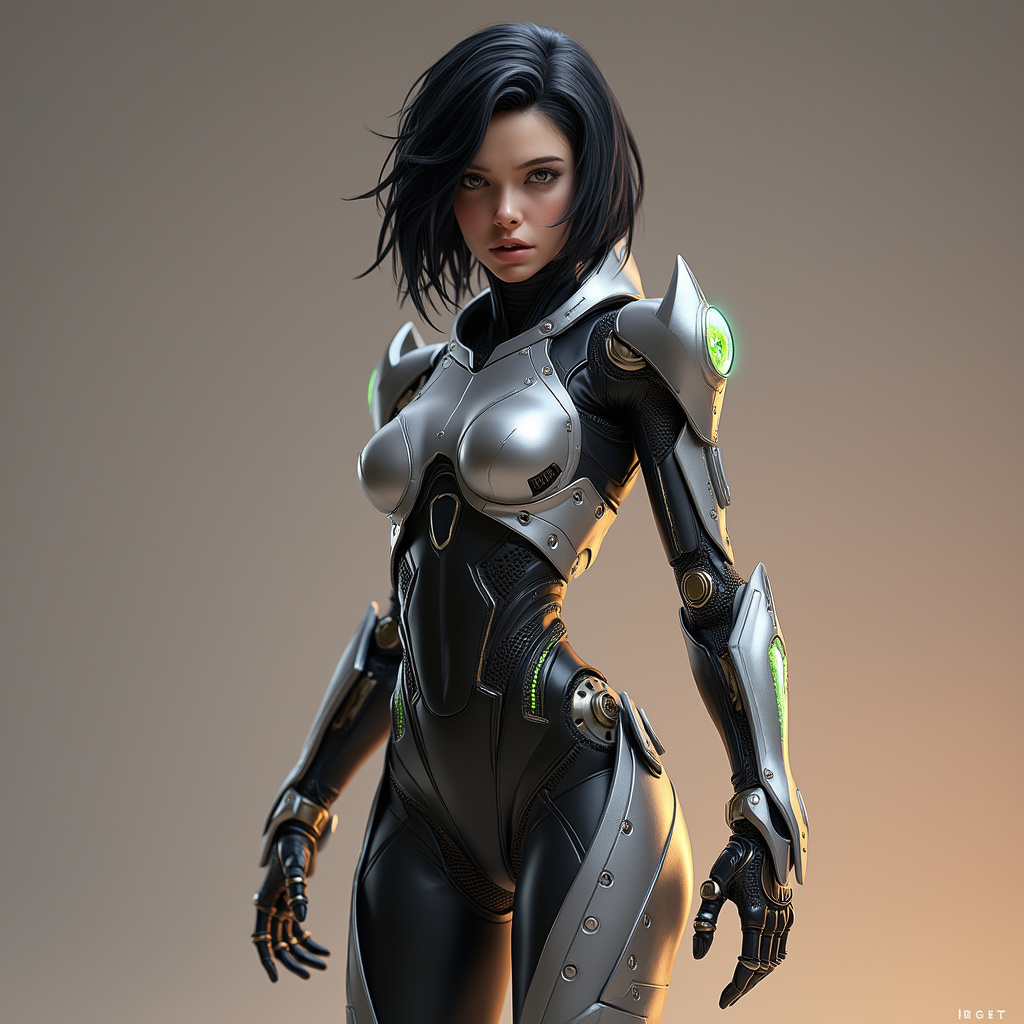
Create a full-body, hyper-realistic depiction of Alita from Alita: Battle Angel. She features an agile and sleek appearance, with a strong focus on advanced cybernetic enhancements. Her body is constructed with polished metallic and carbon-fiber materials, and her limbs showcase mechanical, cybernetic actuators that enhance strength and flexibility. Subtle glowing circuitry runs along her limbs, highlighting the seamless integration of technology. Her joints and limbs emphasize mechanical strength, with visible cybernetic muscle systems designed to mimic natural movement. The exoskeleton features intricate, layered plating that adapts to her movements, offering protection without hindering agility. Her head retains human-like qualities, with large expressive eyes that display digital data overlays, maintaining her signature appearance from the film. Alita is outfitted in a futuristic, tactical combat suit, designed for mobility and protection. The suit incorporates advanced materials and includes energy blades integrated into her forearms, as well as propulsion systems on her legs for enhanced combat capabilities. Her pose should reflect her readiness for action, while emphasizing her mechanical agility and strength, avoiding any provocative or adult themes.
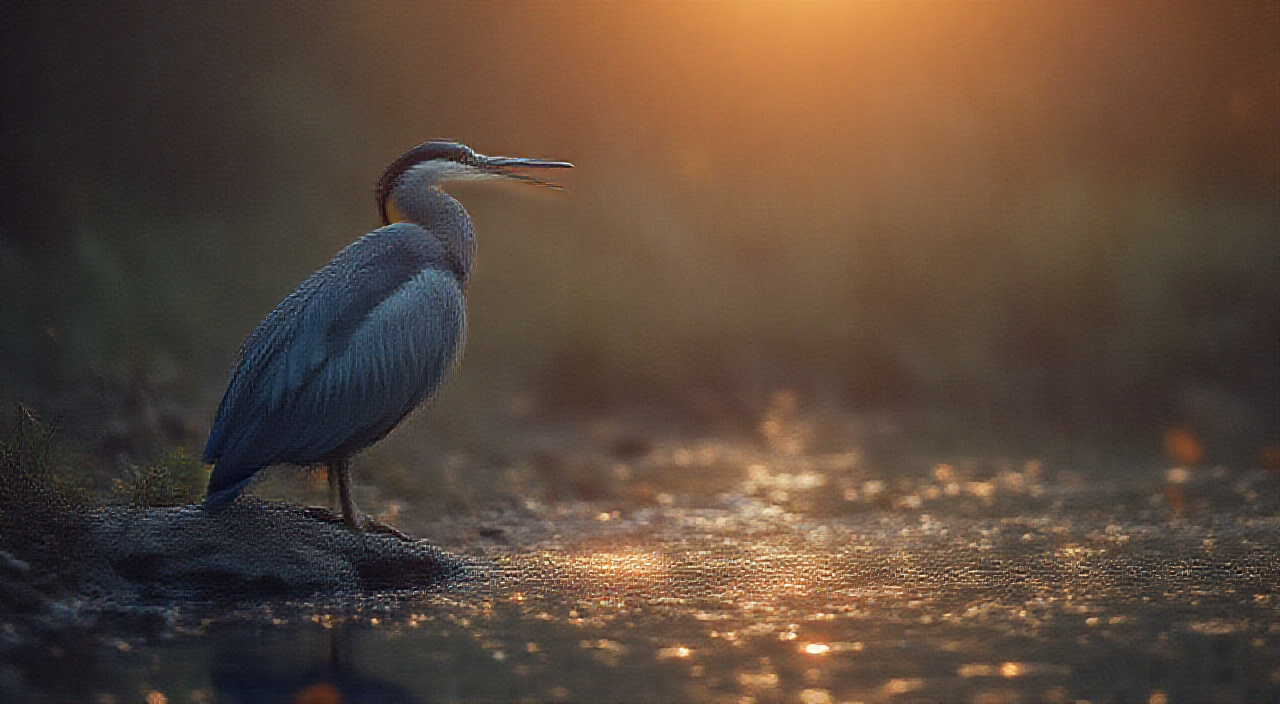
make a picture of a night heron sitting at the edge of a pond at sunset

Two very sexy Nude indonesian women smiling, big tits, long hair, flower in her hair. They are sitting on a sheet, legs apart, thighs spread. Tanned bodies. Full body image
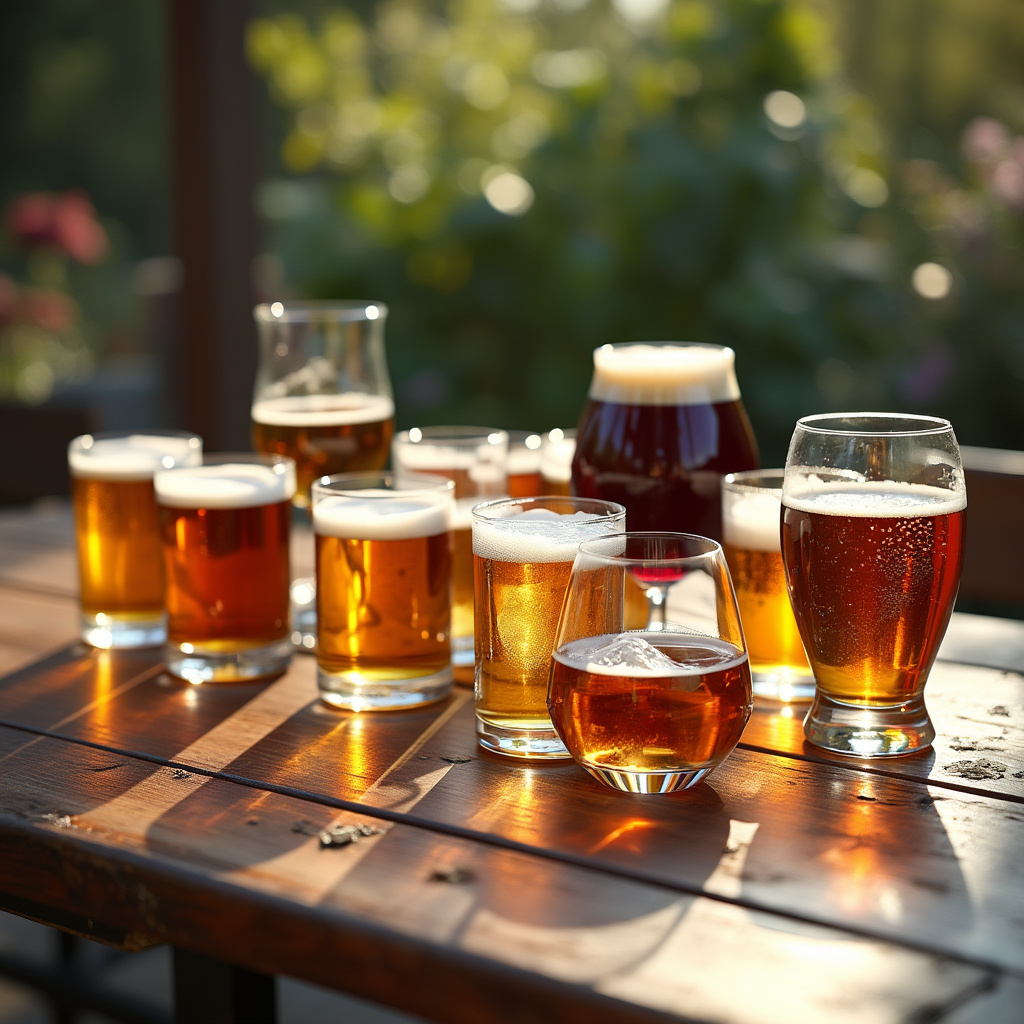
CREATE A photo of a table full of beer, wine, and whiskey glasses. The table is outside in the garden. The weather is sunny. 4K, realistic
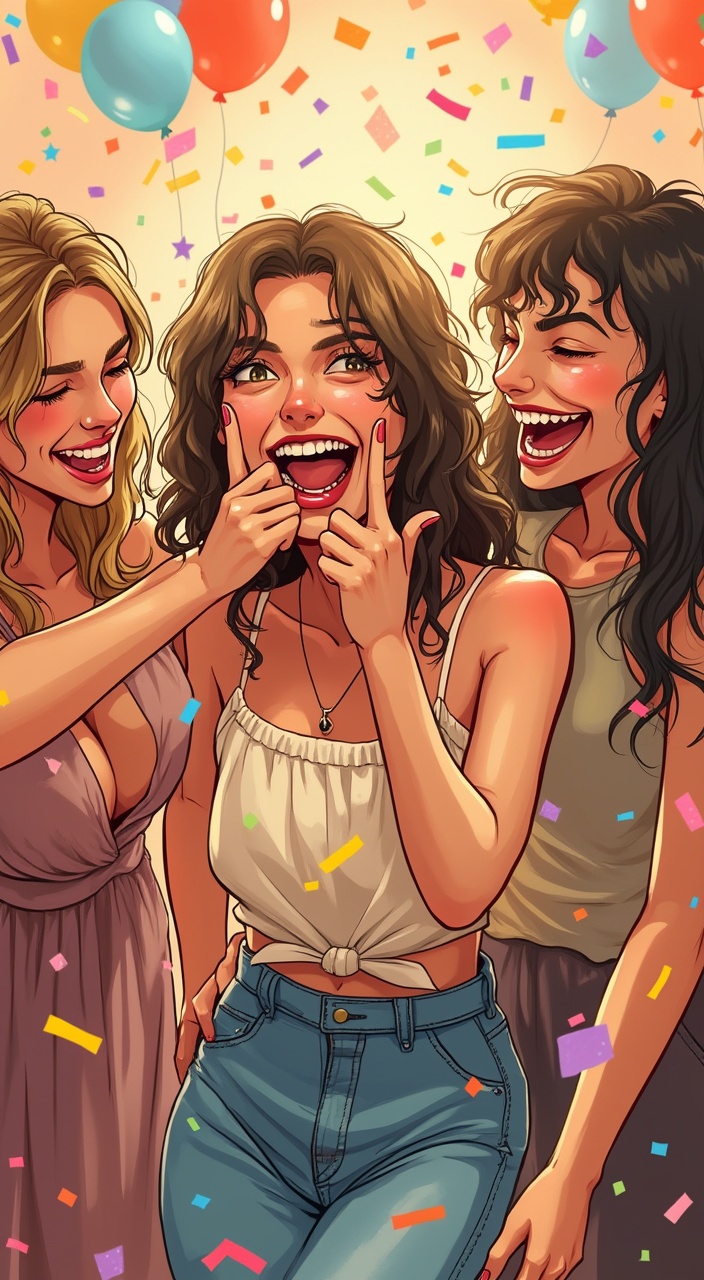
The character making a comical biting gesture, with a funny expression. You are surrounded by friends laughing and enjoying yourself in a festive atmosphere, like a birthday party. Colored hand sketch style

How to Generate Top-Quality Images with FLUX.1-Pro?
Create unmatched visuals with FLUX.1-Pro by following these steps:
- Enter your text prompt and select your preferred settings using FLUX.1-Pro.
- Press the button to generate the highest quality images with FLUX.1-Pro.
- Repeat the process to explore diverse outputs with FLUX.1-Pro.
Frequently asked questions
What is FLUX.1-Pro used for?
FLUX.1-Pro is the top-tier model for generating state-of-the-art images with unmatched quality, detail, and output diversity, making it the best choice for professional-grade visual content.
How does FLUX.1-Pro compare to other models?
FLUX.1-Pro stands out with its superior prompt following, visual quality, and detailed output. It outperforms other models in delivering high-resolution, diverse images suitable for professional use.
What image quality does FLUX.1-Pro provide?
FLUX.1-Pro provides the highest image quality among FLUX models, with exceptional detail, color accuracy, and sharpness, making it ideal for projects requiring top-tier visual excellence.
Is FLUX.1-Pro free to use for all purposes?
Yes, FLUX.1-Pro is free to use for personal, scientific, and commercial projects, offering the highest quality output without the need for expensive, closed-source alternatives.
What license applies to FLUX.1-Pro images?
FLUX.1-Pro images are released under the Apache-2.0 license, allowing broad use in various fields, including commercial projects, with flexibility for modification and distribution.
Any tips for best results with FLUX.1-Pro?
For optimal results with FLUX.1-Pro, use highly detailed prompts and experiment with various settings to fully utilize its capabilities in producing top-quality, professional-grade images.