مولد الصور بالذكاء الاصطناعي FLUX.1 Pro
جرب FLUX.1-Pro، أفضل نموذج لإنشاء الصور بالذكاء الاصطناعي عبر الإنترنت. يقدم FLUX.1-Pro جودة لا مثيل لها، وتفاصيل، وتنوع في المخرجات. ارتق بمشاريعك الإبداعية!
الصورة المولدة

Hãy tạo cho tôi một hình ảnh thumbnail YouTube theo phong cách điện ảnh, người thật, chất lượng siêu thực 8K, tỉ lệ 16:9. Bối cảnh: 2 người công an Việt Nam đeo khẩu trang đang đào vách tường bên trong một căn nhà, xung quanh là nhiều người dân đang đứng xem với vẻ mặt hoảng hốt Góc máy: Góc ngang trực diện, góc quay xa, lấy trọn cảm xúc của cả người, hậu cảnh là căn nhà, ánh sáng vàng ấm, bóng đổ rõ ràng. Phong cách: Chân thật, điện ảnh, giàu cảm xúc, như cảnh cắt từ một bộ phim chính kịch xã hội.
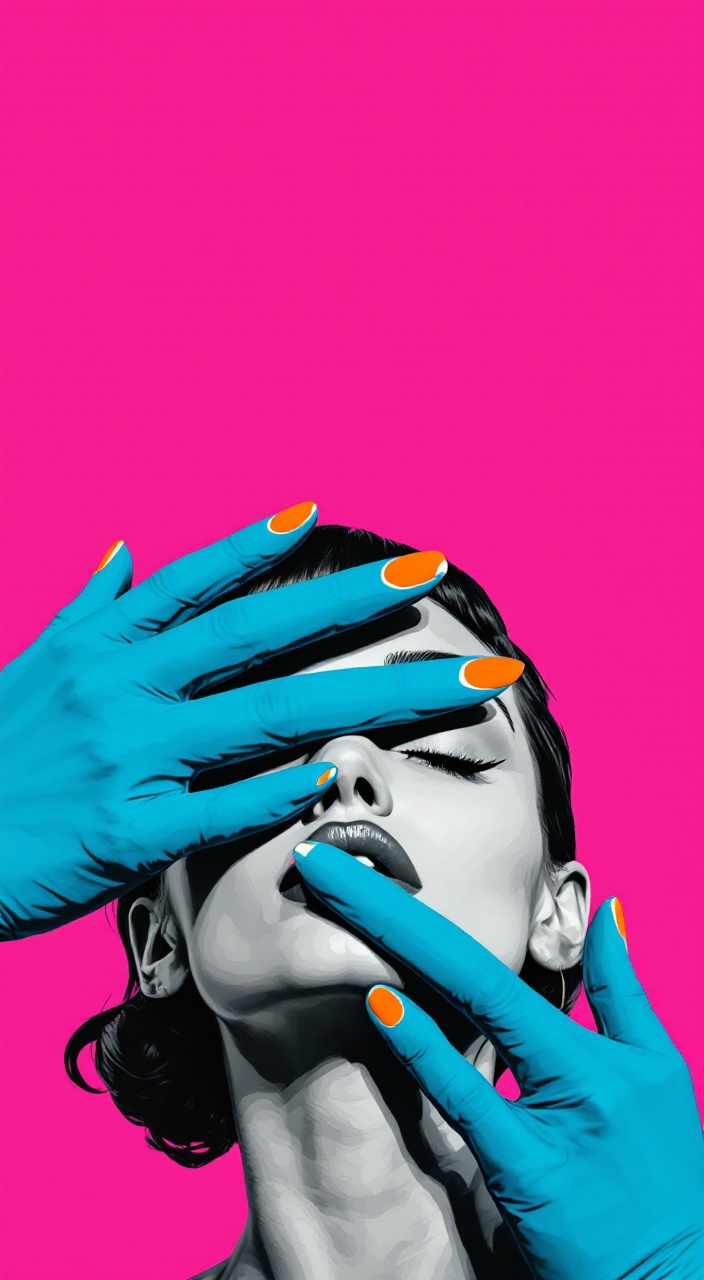
Bright pop‑art illustration: a vertical poster with a huge flat bright magenta‑pink background, most of the frame is empty space at the top. In the lower part of the image, a close‑up of a retro woman’s head in monochrome grey and black tones, with smooth flat shading and minimal detail, like vector graphics. A large stylized saturated blue hand runs diagonally across her eyes from right to left, completely covering them. Fingertips have bright orange nail polish with small green accents. Background is plain, with no texture or extra objects. Minimalist poster‑style pop art, clean lines and high contrast lighting

Ultra Realistic image of selected colours of a dark, monstrous creature of Venom from marvel with a menacing, wide-open mouth filled with sharp, jagged teeth, glistening with saliva. Its elongated tongue extends outward, coiled with a sinister curve. The creature’s skin is a glossy, black liquid-like texture, reflecting ambient light, with white patches forming large, angular eye shapes that radiate a menacing stare. Tendrils and gooey black appendages spread outward from its body, twisting and curling in dynamic, chaotic patterns. The background is dimly lit cinema hall with a smoky atmosphere. The overall tone is dark, intense, and ominous, with high contrast and hyper-realistic detail. There is highlighted word of "VENOM: IN CINEMA" as a big headline.

portrait of an 18-year-old Argentine girl, fair skin, blue eyes, long black hair, curvy body, visible tattoos on arms, stylish clothing, standing outdoors in daylight, photography style, realistic, high detail

Paso 1: Investigando Referencias Busca Imágenes: Encuentra varias imágenes del BMW M4 GT3 desde diferentes ángulos (frontal, lateral, trasero y superior). Asegúrate de que las imágenes sean de buena calidad y muestren detalles importantes. Paso 2: Esbozo de la Forma General Dibuja un Rectángulo Base: Comienza dibujando un rectángulo grande en el medio de tu hoja. Este será el contorno básico del coche. Largo del coche: Aproximadamente tres veces más largo que alto. Dividir en Secciones: Subdivide el rectángulo en tres partes: delantero, medio y trasero. Esto te ayudará a mantener las proporciones correctas. Paso 3: Dibujo de las Líneas del Coche Dibuja el Contorno del Techo: Dibuja una línea curva en la parte superior, representando el techo del coche, que debe ser un poco más alto en el medio. Las alas del techo deben mezclar suavemente la parte frontal y trasera. Forma del Paragolpes: Dibuja la curva del paragolpes delantero y el trasero. El paragolpes delantero es más bajo y tiene una forma más agresiva; agrega una línea en la parte inferior para indicar la parrilla. Paso 4: Detalles de la Carrocería Agregar Ventanas y Líneas de Diseño: Dibuja la línea de las ventanas según la referencia. Asegúrate de que la forma sea adecuada al diseño del M4 GT3. Añade líneas adicionales que representen los detalles adicionales, como las molduras. Ejes de las Ruedas: Marca la posición de las ruedas. Puedes dibujar dos círculos grandes donde se espera que vayan las ruedas (uno en la parte delantera y otro en la trasera). Las ruedas del M4 son anchas; asegúrate de darles un tamaño adecuado en relación al cuerpo del coche. Paso 5: Detalles del Motor y Componentes Dibuja los Coeficientes: Agrega detalles del motor sobresaliendo del capó, así como las rejillas de ventilación típicas. Alerón Trasero y Difusores: Dibuja el alerón trasero en la parte trasera del coche, asegurándote de que se vea grande y prominente. Agrega detalles de los difusores y salidas de aire en la parte trasera y lateral. Paso 6: Texturas y Sombras Agrega Diferentes Texturas: Esboza las áreas de carbono, como el capó, el alerón y las partes laterales, utilizando líneas finas y patrones cruzados. Aplicación de Sombras: Agrega sombras en áreas donde la luz no llega, como debajo del coche, en los arcos de las ruedas, y en los pliegues del diseño. Paso 7: Limpieza del Boceto Goma de Borrar: Limpia las líneas de construcción que ya no necesites. Asegúrate de que las líneas importantes se mantengan nítidas. Detalles Finales: Marca los detalles importantes como las luces, los logotipos y otras insignias. Paso 8: Coloración (Opcional) Selecciona una Paleta de Colores: Decide qué colores quieres usar. El BMW M4 GT3 tiene generalmente detalles en colores metálicos y matices modernos. Colorea: Utiliza lápices de colores o marcadores para añadir color a tu dibujo. Hazlo con cuidado para no excederte y evitar que los colores se mezclen.

A high-resolution photograph of a 6'4" US Marine with a muscular build standing in restaurant with text logo "Stickusteak". He is truly virile, desirable, exhibiting a strong jawline and big broad shoulders, with a shaved head sporting a five o'clock shadow. His piercing eyes command attention, exuding both authority and charm. Clad in an oversized white tank top with text that say "BURONAN MERTUA", tattered jeans, and a tightly cinched leather belt, sweat is noticeable on his shirt . His arm is adorned with military-style tattoos, and his intense gaze, locked on the camera, creates an unforgettable and electrifying moment. The portrait is rendered in a combination of sketch-like lines and vibrant watercolor hues. The background consists of warm tones, possibly suggesting an abstract representation of a cityscape or a sunset. The man attire, though partially visible, appears to be a blend of colors, including shades of blue and red ,color, cinematic

Tarta grande con una vela encendida y sin fondp

The world's largest black forest cake, the size of a building, surrounded by trees of the black forest
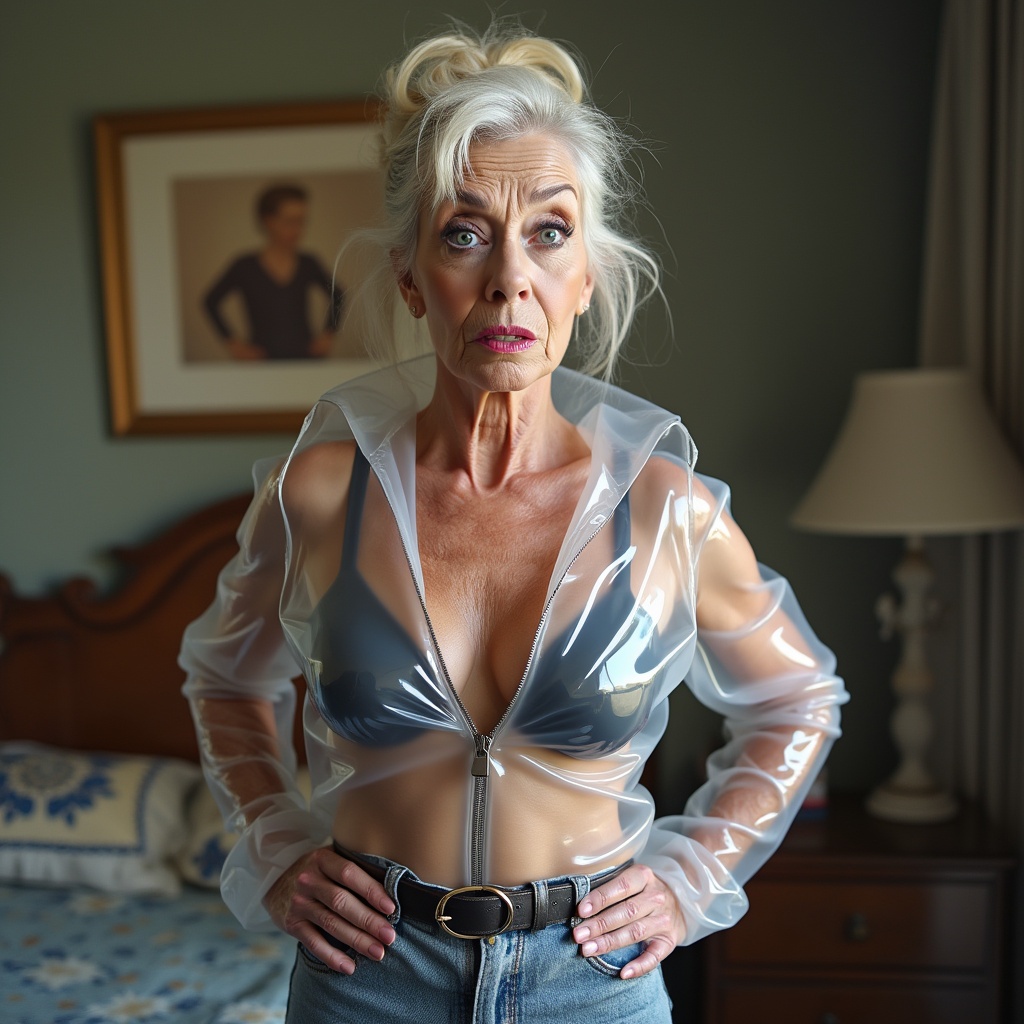
bossy, old, grandma, mature, very, skinny, slim, waist, arrogant, amazing, proud, haughty, peroxide, bright, radiant, light, super, blonde, hair, hairstyle, messy, look, bun, business, style, eye-catcher make-up, smokey eyes, dark, lilac, lips, kissable lips, pouty, shiny, red, transparent, pvc, zipper, raincoat, tight, belt, hands on hips, in bedroom

Ultra high resolution 3D image of a middle-aged woman in horror, standing over a shower drain covered in a shocking amount of hair loss, with a look of utter disbelief

كيف تنشئ صورًا عالية الجودة باستخدام FLUX.1-Pro؟
أنشئ صورًا لا مثيل لها باستخدام FLUX.1-Pro باتباع هذه الخطوات:
- أدخل الوصف النصي الخاص بك واختر الإعدادات المفضلة لديك باستخدام FLUX.1-Pro.
- اضغط على الزر لإنشاء صور ذات جودة عالية باستخدام FLUX.1-Pro.
- كرر العملية لاستكشاف مخرجات متنوعة باستخدام FLUX.1-Pro.
الأسئلة الشائعة
ما هي استخدامات FLUX.1-Pro؟
FLUX.1-Pro هو النموذج الأفضل لتوليد صور من الدرجة الأولى بجودة وتفاصيل لا مثيل لها، مما يجعله الخيار الأفضل لإنشاء محتوى بصري احترافي.
كيف يقارن FLUX.1-Pro بالنماذج الأخرى؟
FLUX.1-Pro يتميز بتفوقه في الالتزام بالأوصاف النصية، والجودة البصرية، وتنوع المخرجات. يتفوق على النماذج الأخرى في تقديم صور عالية الدقة ومتنوعة، مناسبة للاستخدام الاحترافي.
ما هي جودة الصور التي يقدمها FLUX.1-Pro؟
يقدم FLUX.1-Pro أعلى جودة للصور بين نماذج FLUX، مع تفاصيل استثنائية، ودقة الألوان، وحدة الوضوح، مما يجعله مثاليًا للمشاريع التي تتطلب تميزًا بصريًا على أعلى مستوى.
هل يمكن استخدام FLUX.1-Pro مجانًا لجميع الأغراض؟
نعم، FLUX.1-Pro مجاني للاستخدام الشخصي والعلمي والتجاري، حيث يقدم أعلى جودة للمخرجات دون الحاجة إلى بدائل مغلقة المصدر مكلفة.
ما هو الترخيص المطبق على صور FLUX.1-Pro؟
تخضع صور FLUX.1-Pro لترخيص Apache-2.0، مما يتيح استخدامها على نطاق واسع في مختلف المجالات، بما في ذلك المشاريع التجارية، مع مرونة للتعديل والتوزيع.
هل هناك نصائح للحصول على أفضل النتائج مع FLUX.1-Pro؟
للحصول على أفضل النتائج مع FLUX.1-Pro، استخدم أوصافًا نصية مفصلة للغاية وجرب الإعدادات المختلفة للاستفادة الكاملة من قدراته في إنتاج صور عالية الجودة ومناسبة للاستخدام الاحترافي.